
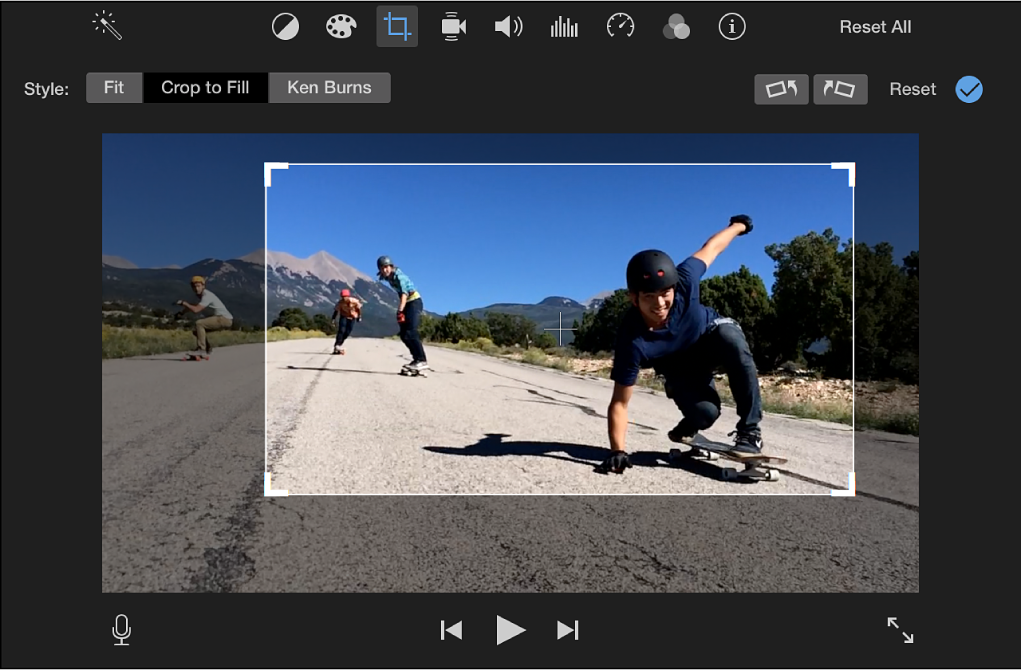
Cropping photos is an essential technique for enhancing visual composition and drawing attention to the main subject. Online contour cropping tools offer a convenient and user-friendly way to achieve professional-looking results without the need for expensive software. In this article, we’ll explore some of the best free online contour cropping tools that will take your photo editing skills to the next level.
1. Contour Online
Contour Online tops the list as one of the best free online contour cropping tools available. With its easy-to-use interface and extensive features, it caters to both beginners and experienced photo editors.
Upload your photo, select the crop tool, and choose from a range of aspect ratios or customize your own. Crop photo online square also provides additional editing options, such as rotation, straightening, and filters, making it a comprehensive photo editing solution.
2. Fotor
Fotor is another fantastic free online photo editing tool that includes contour cropping among its many features. With a simple drag-and-drop interface, users can crop their images quickly and efficiently. Fotor offers various crop ratios, including the popular square, 4:3, 16:9, and more. Additionally, it provides an array of editing options, such as brightness, contrast, and color adjustments, to further enhance your cropped photos.
3. Pixlr X
Pixlr X is a powerful online photo editor that offers contour cropping along with a wide range of editing tools. Its intuitive interface allows users to crop photos with ease, and the platform offers several preset crop dimensions. Furthermore, Pixlr X boasts an extensive collection of filters and effects to add artistic flair to your cropped images.
4. BeFunky
BeFunky is a versatile online photo editor that includes a contour cropping tool in its arsenal. Crop your photos to perfection and choose from various aspect ratios to suit your specific needs. BeFunky also offers other editing features, such as retouching, filters, and graphics, giving you the ability to create unique and captivating images.
5. FotoJet
FotoJet is a user-friendly online photo editing tool that simplifies the contour cropping process. It provides users with multiple crop ratios and a custom crop option to give you full control over your image’s composition. FotoJet also offers various templates for creating collages, posters, and social media graphics, making it an excellent all-in-one solution for your photo editing needs.
6. iLoveIMG
iLoveIMG is a web-based image editing tool that includes contour cropping features. With its intuitive interface, users can easily crop photos to specific dimensions or select from a variety of aspect ratios. iLoveIMG also offers bulk editing options, making it a time-saving choice for cropping multiple photos simultaneously.
7. Canva
While primarily known for its graphic design capabilities, Canva also offers basic photo editing features, including contour cropping. With Canva’s drag-and-drop functionality, cropping images becomes a breeze. Additionally, Canva provides access to a vast library of stock photos, graphics, and templates to further enhance your designs.
Conclusion
Free online contour cropping tools have made photo editing accessible to everyone, allowing users to achieve professional-looking results without the need for expensive software or extensive editing skills. Whether you’re a social media enthusiast, a blogger, or a professional photographer, these tools offer the convenience and flexibility to create visually stunning images that captivate your audience.
So, why wait? Explore these top free online contour cropping tools and elevate your photo editing game today!